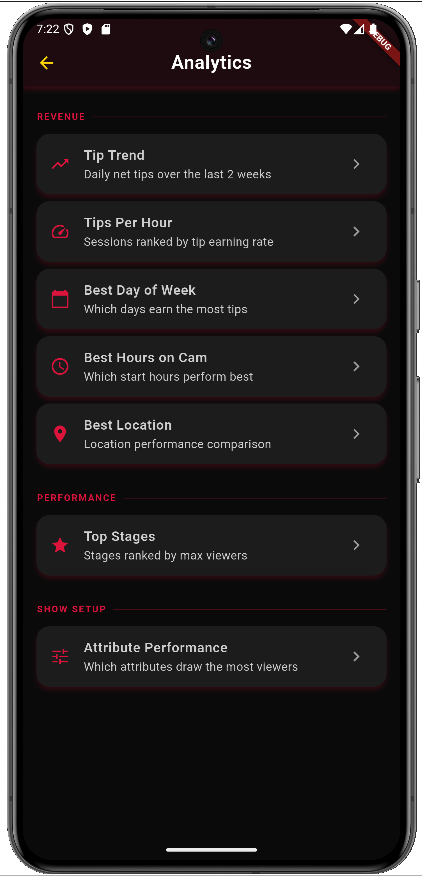
Home Dashboard
Everything at a glance
See your recent sessions, earnings trends, and coaching tips right when you open the app. Your personal dashboard shows what's working and where to focus next.
- ✓ Recent session history with earnings
- ✓ Weekly and monthly tip trends
- ✓ Coach's recommended focus areas
- ✓ Quick-start button for new sessions
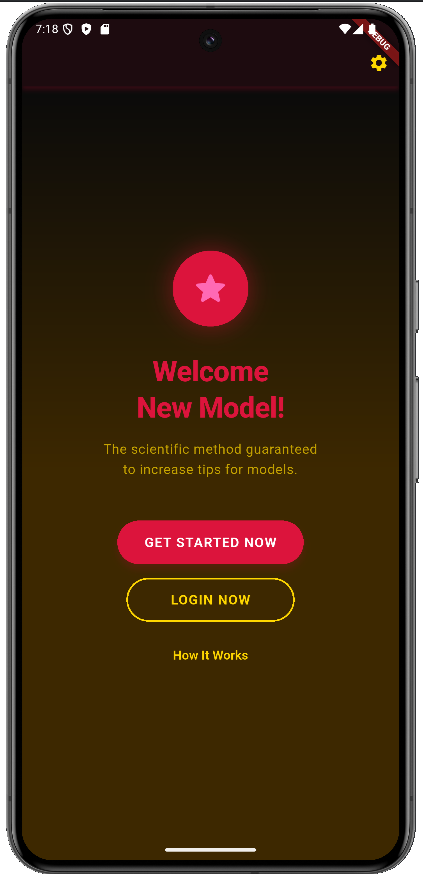
Live Session Tracking
Track your show in real time
Pick your stages before you start, then tap to advance through each one. At each transition, quickly log what you were doing — it takes just seconds.
- ✓ Pre-select your planned stages
- ✓ One-tap stage transitions
- ✓ Quick-select poses, lighting, angles
- ✓ Log viewer count and followers
- ✓ Timer tracks stage duration automatically
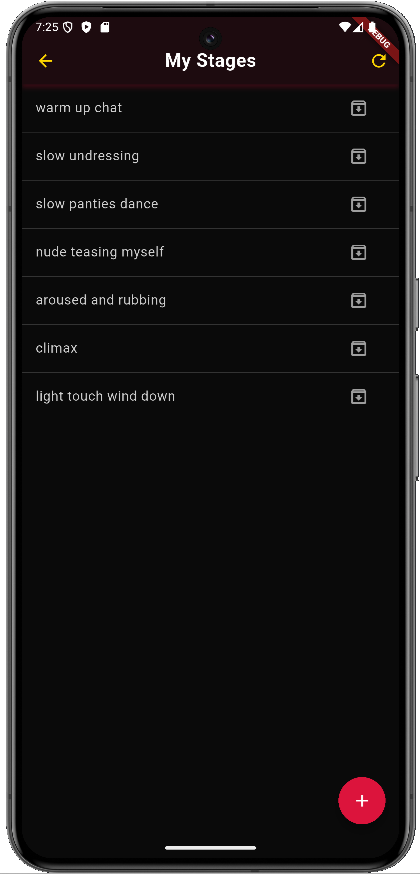
Analytics & Insights
See what makes you money
After just a few shows, the analytics reveal clear patterns. Which lighting earns the most tips? Which pose keeps viewers the longest? Which stage order maximizes your earnings? Now you know.
- ✓ Tips per stage breakdown
- ✓ Best-performing combinations
- ✓ Viewer retention by stage
- ✓ A/B comparison charts
- ✓ Earnings trend over time